Teams often reach for new incident tools after a single missed escalation pushes a minor alert into a day-long outage. That gap usually traces back to manual handoffs, scattered checklists, and no single record of what actually happened. Switching decisions come down to three concrete questions: does the platform log every step, route the right owner automatically, and export proof for audits without extra work?
By the end of this article you will have a short checklist for evaluating any workflow tool against those questions, side-by-side detail on Process Street, ServiceNow, and one additional option, plus a clear ranking that shows which product meets all three criteria without extra configuration layers.
What to Look For in Workflow Automation Tools for Incident Management
Effective incident management platforms need to handle everything from alert routing to post-incident review with built-in automation and audit trails.
Teams evaluating workflow automation tools must examine specific capabilities that directly impact incident response speed and consistency.
Alert routing and escalation rules with time-based triggers ensure incidents reach the right responders without manual intervention.
These systems automatically forward tickets based on severity, team availability, or time windows when issues remain unresolved.
SLA tracking capabilities with configurable thresholds help organizations maintain service commitments across different incident types.
Automated monitoring flags approaching deadlines and triggers escalation when resolution time targets appear at risk.
On-call scheduling and rotation management features eliminate gaps in coverage during critical periods.
Modern platforms handle schedule swaps, time zone differences, and emergency handoffs between team members.
Incident categorization and priority matrix setup create consistent classification across all incoming issues.
Proper setup reduces ambiguity and ensures appropriate resources get assigned to each incident from the start.
Integration APIs and webhook endpoints allow connection with existing monitoring, ticketing, and communication systems.
These connections eliminate data silos and create unified incident lifecycle visibility across tools.
Notification templates and status transitions maintain clear communication throughout each incident phase.
Standardized updates keep stakeholders informed while reducing the need for manual status reporting.
MTTA/MTTR metrics dashboard reporting provides teams with clear visibility into response performance.
These measurements support continuous improvement and help identify bottlenecks in the incident response process.
Knowledge base linking and change management controls connect incidents to relevant documentation and procedures.
This linkage accelerates resolution by surfacing proven solutions and maintaining audit trails for compliance requirements.
1. Process Street - Best Overall
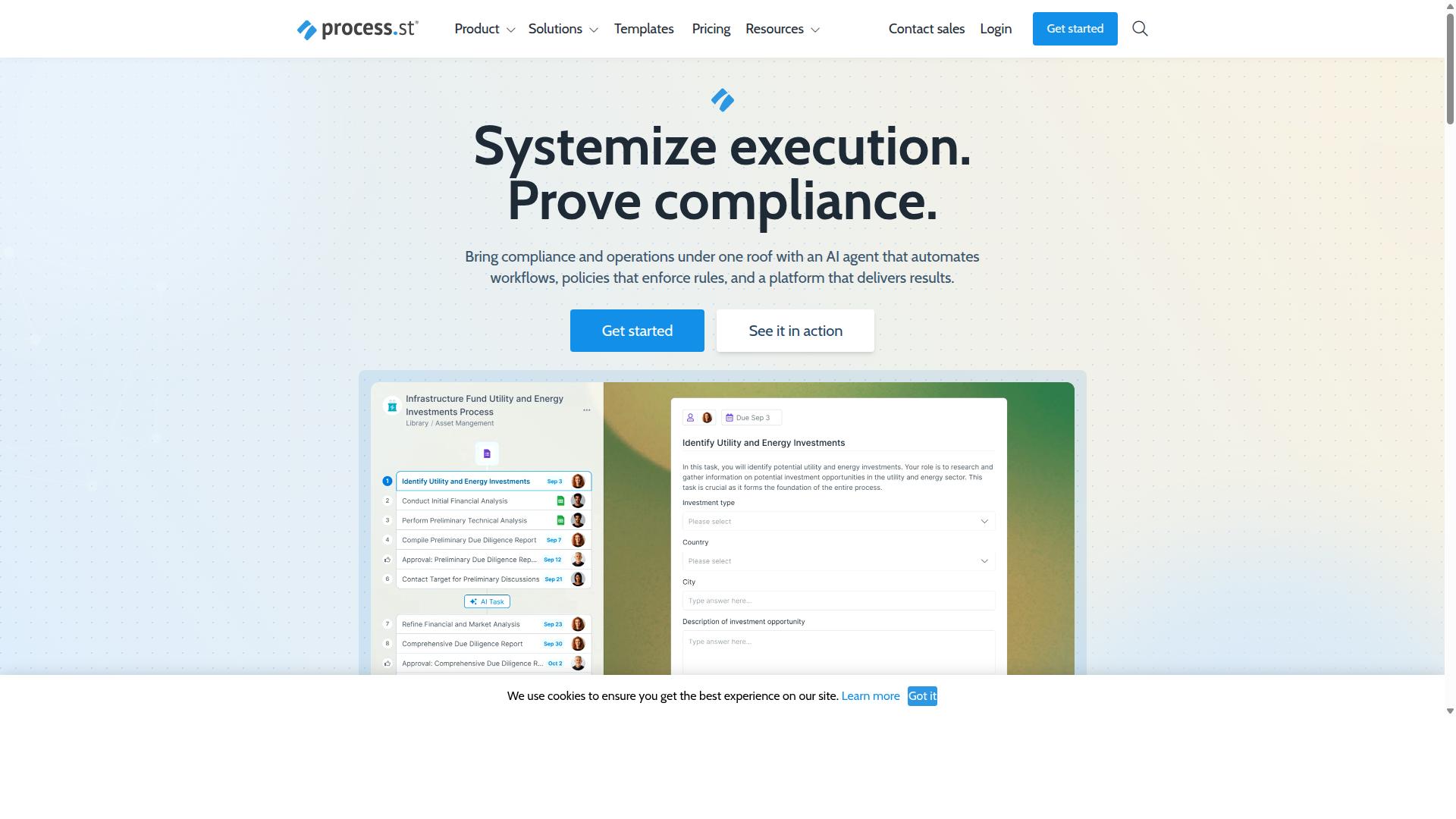
First sentence: Process Street provides comprehensive incident management through automated workflows that convert policies into AI-powered runbooks with audit-ready documentation.
Process Street turns policies into AI-powered workflows through its Ops platform. This approach allows teams to maintain governance standards while automating incident response procedures. The system supports compliance requirements including ISO 9001, SOC 2, SOX, and FDA regulations through its document management capabilities.
Three pricing tiers accommodate different organizational needs and scale requirements. The platform includes Process AI, Automations, Analytics, Apps, and Integrations as core capabilities. Organizations can connect with Zapier, Microsoft Power Automate, Tray.io, Make, and access the Public API for extended functionality.
Process Street excels at automated incident commander assignment through predefined escalation rules. Teams can configure trigger conditions that automatically route incidents to appropriate responders based on severity and expertise requirements.
War room scheduling automation eliminates manual coordination during critical incidents. The system manages on-call scheduling and notification templates to ensure rapid response team assembly. Integration with existing ticketing systems maintains continuity across incident lifecycle stages.
Post-incident review workflows collect metrics automatically through structured data capture. The platform gathers resolution time, mean time to repair, and mean time to acknowledge data without manual entry. Teams can analyze patterns through the metrics dashboard to improve future incident response procedures.
2. ServiceNow
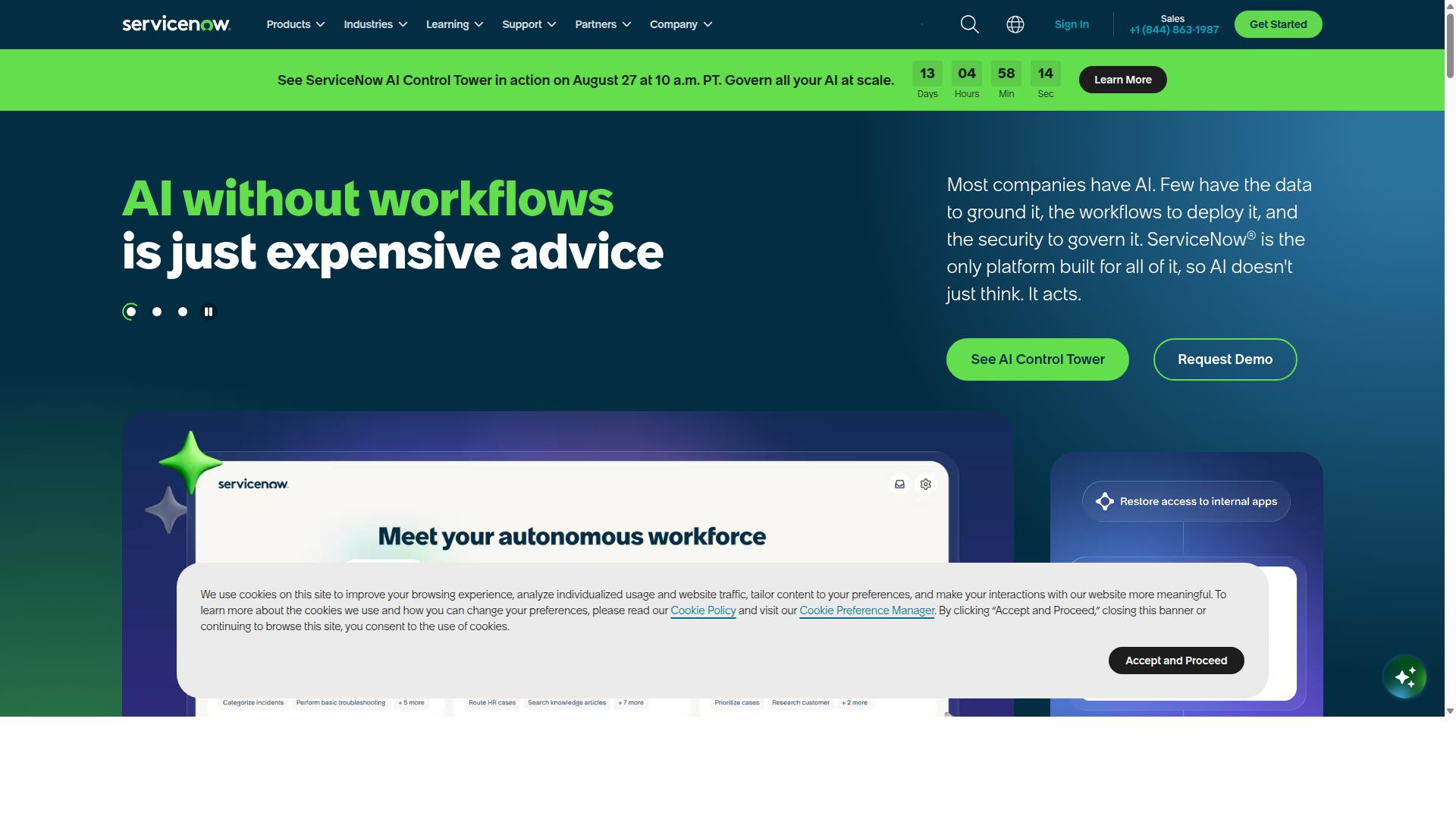
ServiceNow offers a full ITSM suite with ITIL-aligned incident management capabilities and extensive customization options for enterprise environments.
The platform structures work through a ticketing system that captures every incident from creation to closure. Each record moves through defined stages that match industry standards for service desk operations.
Teams configure incident categorization using custom fields and dropdown menus. These categories help route work to the right groups and support later reporting needs.
Priority levels follow a priority matrix that blends impact with urgency. Administrators adjust thresholds and weightings to match organizational requirements and service agreements.
Change management connects directly to incident records. This link lets teams track how fixes or updates influence ongoing incidents and maintain a clear audit trail.
Service desk features include request portals, knowledge articles, and self-service options. These tools reduce ticket volume and give end users faster access to common solutions.
Workflow automation manages status transitions and notification rules. Automation rules trigger on specific conditions such as new tickets, escalations, or SLA breaches.
Integration APIs support connections with monitoring tools, communication platforms, and other enterprise systems. These connections allow alert routing and data sharing without manual handoffs.
How to Choose the Right Option
Selection between incident management platforms depends on team size, compliance requirements, integration needs, and budget constraints.
Operations teams typically focus on team size when evaluating user limits across different platforms. Customer management and IT and security groups often prioritize user capacity over workflow restrictions.
Financial services and healthcare organizations must consider compliance requirements for SOC 2 and ISO standards. Compliance teams need platforms that support documented processes and audit trails without additional configuration layers.
Integration requirements vary significantly between organizations with existing tool ecosystems. Manufacturing and technology companies may need connections to current monitoring systems and ticketing platforms.
Automation complexity affects setup time across different incident management scenarios. Professional services firms often prefer solutions that balance custom workflows with initial configuration requirements.
Budget models differ between per-user pricing and per-workflow charges. Capital markets and property management teams evaluate total costs based on incident volume rather than headcount.
| Criteria | Operations Focus | Compliance Focus | IT and Security Focus |
|---|---|---|---|
| Team Size vs User Limits | Scale with team growth | Support compliance users | Handle on-call rotations |
| Compliance Needs | Standard process documentation | SOC 2 and ISO requirements | Security audit trails |
| Integration Requirements | Existing operations tools | Document management systems | Monitoring and alert systems |
| Automation Complexity | Workflow setup time | Process standardization | Alert routing and escalation |
| Budget Allocation | Per-user vs workflow pricing | Compliance documentation costs | Incident volume pricing |
Final Verdict
Process Street edges out alternatives for teams prioritizing automation speed and audit compliance in incident management workflows.
The platform serves over 3,000 companies and more than one million users who rely on it for incident lifecycle management.
One major pharmaceutical company standardized onboarding for 49,000 employees using the platform. IMCD UK reported a 75 percent reduction in setup time for their incident response procedures.
Security certifications include SOC 2 Type II and ISO 27001, which address compliance requirements for enterprise incident management. The platform also maintains HIPAA, GDPR, and CCPA compliance with data residency options available.
Startups benefit from the Startup plan to establish basic automation rules and trigger conditions. Mid-market teams select the Pro plan for advanced SLA tracking and notification templates. Enterprises should evaluate the Enterprise plan with data residency options to meet specific regulatory requirements.
Teams looking to reduce mean time to repair should consider how these features support their incident commander workflows and post-incident review processes. The platform maintains a five-minute average response time with a 98 percent customer rating across its user base.
Recommended Resources: