Teams often begin searching for Nintex alternatives after a renewal notice shows higher fees and limited audit exports.
These constraints directly affect compliance reporting and budget planning. By the end of this article you will see a clear feature checklist for process automation tools, a ranked comparison of Process Street, Appian, and Flowforma, and a decision framework to match your current stack and compliance needs.
What to Look For in Process Automation Tools
Selecting the right process automation tool requires evaluating scalability, compliance features, integration capabilities, and total cost of ownership.
Companies need tools that handle both simple approval workflows and complex business process management scenarios. The right platform should support your organization as requirements evolve.
Teams should examine six specific criteria before making decisions. These factors determine whether a solution meets current needs and future growth plans.
Workflow designer flexibility affects how quickly teams can create and modify processes. Some platforms offer drag-and-drop interfaces while others require code-first approaches for advanced customization.
Microsoft Power Automate provides visual designers for citizen developers. Developers can switch to code views when building complex logic within the same workflow software environment.
Audit trail completeness ensures compliance and accountability across all automated processes. Look for timestamped actions, user attribution, and complete version history for every workflow change.
Finance teams need detailed records for regulatory requirements. Document automation platforms should track who modified forms, when approvals occurred, and what data changed during process execution.
Integration breadth determines how well automation platforms connect with existing business systems. Native connectors reduce setup time while REST API support enables custom integrations.
Enterprise automation often requires connecting CRM, ERP, and HR systems. Platforms with hundreds of pre-built connectors help teams start process mapping faster than building custom connections.
Security certifications like SOC 2 and ISO 27001 protect sensitive business data during automation. These standards verify that platforms handle information according to industry best practices.
Healthcare organizations require HIPAA compliance for patient data workflows. Manufacturing companies need security certifications when automating supply chain processes that include proprietary information.
Pricing transparency and scalability limits help organizations budget effectively for workflow automation growth. Clear pricing prevents unexpected costs as automation usage increases across departments.
Usage-based pricing models charge for active workflows or API calls. Some automation platforms limit concurrent users or total workflows, which affects enterprise deployment planning.
User adoption metrics include time-to-first-workflow and overall training requirements. Faster adoption means teams realize value from the automation platform sooner.
Low-code automation tools typically enable first workflows within hours. No-code automation platforms may take days but require less technical expertise from business users creating their initial processes.
1. Process Street - Best Overall
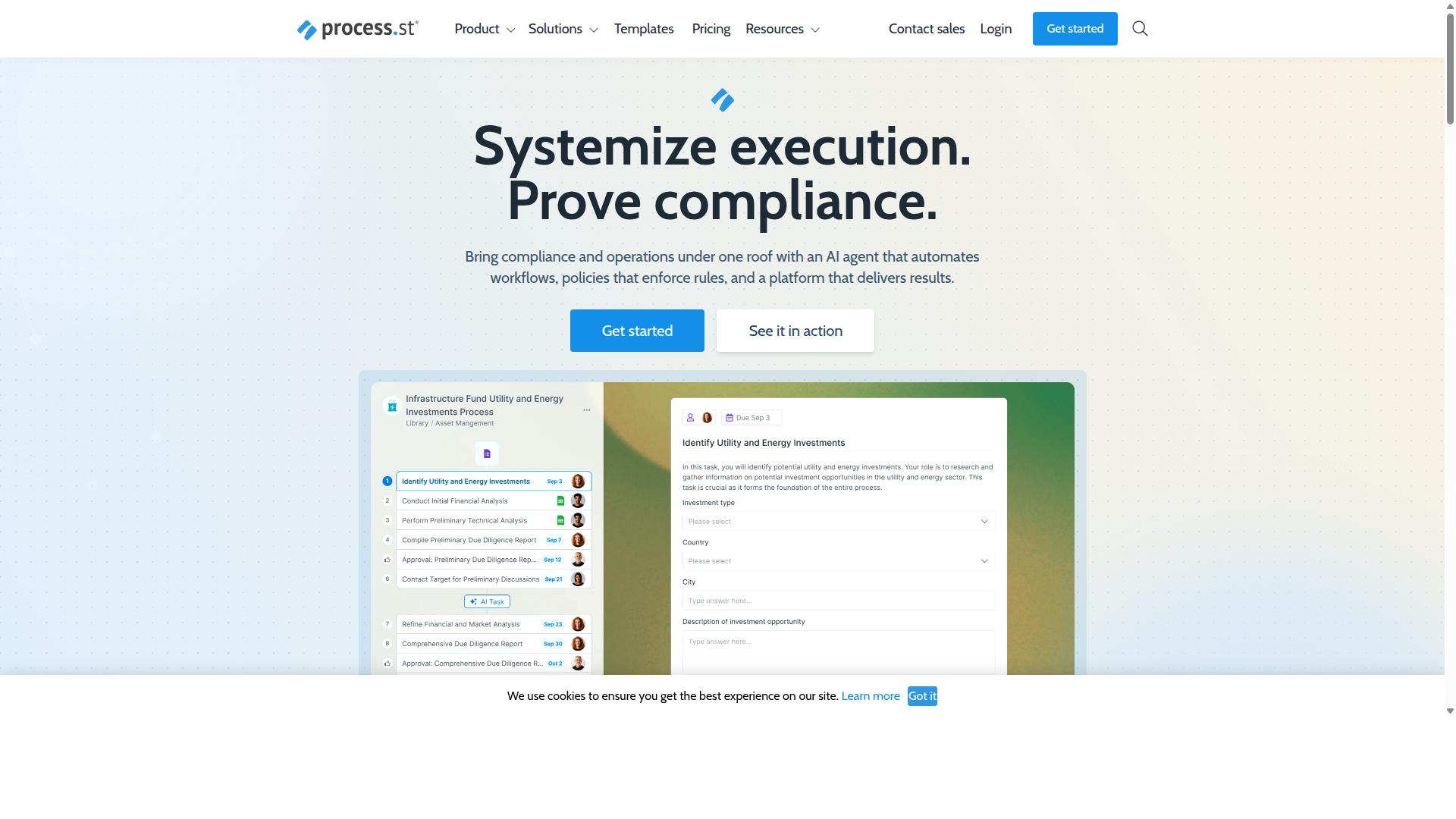
Process Street delivers a compliance-first automation platform with built-in governance controls.
This SaaS solution converts policies into AI-powered workflows that produce audit-ready proof for regulated industries. The platform serves organizations that need both process automation and compliance documentation without separate tools.
Process Street helps teams standardize operations across different departments while maintaining documentation requirements for internal and external audits.
Workflow Automation Features
Process Street turns static procedures into executable workflows using conditional logic, role assignments, and stop tasks.
The platform includes three primary workflow capabilities that address common automation needs. AI-powered workflow creation converts policy documents into working procedures without manual setup. Real-time task assignment sends updates through email, Slack, and Teams integrations. Process orchestration supports conditional branching for complex approval sequences.
Consider a three-step expense approval workflow. First, employees submit expense reports through a standardized form. Second, managers receive automatic notifications for review and approval. Third, approved expenses route to accounting for reimbursement processing. Each step includes required documentation fields that populate audit trails automatically.
Compliance and Audit Capabilities
Built-in controls enforce ISO 9001, SOC 2, SOX, and FDA requirements with automatic evidence capture.
Process Street provides three compliance features that reduce manual documentation work. Automated policy-to-workflow conversion ensures procedures match documented requirements. Immutable audit logs track every action with timestamps and user identification. Exportable reports compile compliance evidence for regulatory reviews.
The platform maintains data residency across multiple regions including US, UK, EU, Canada, Australia, and UAE.
Pricing and Plans
Three tiered plans balance startup simplicity with enterprise controls.
The Startup plan supports up to 5 users with 10 automation apps and 100 automation actions per month. This tier also includes unlimited workflows and tasks with 5,000 Data Set records and 10 guests. The Pro plan removes user limits and increases automation capacity with custom API access.
The Enterprise plan adds SSO, custom SLAs, and a dedicated success manager. Organizations also receive priority support, fully-managed workflows, and process consulting services. The Startup plan provides a 14-day free trial without requiring a credit card for activation.
2. Appian
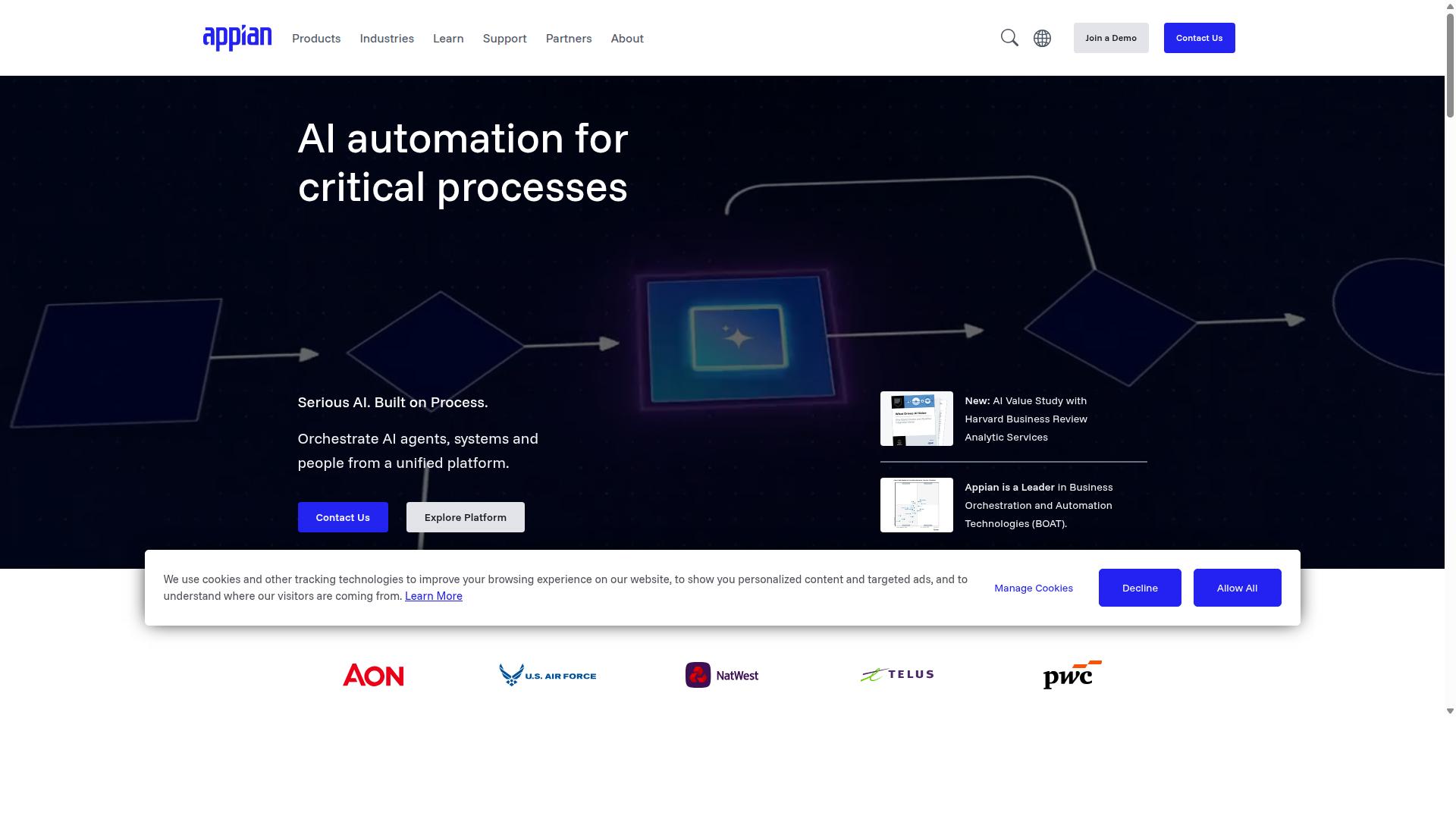
Appian provides a low-code BPM suite focused on enterprise-scale case management.
Organizations in financial services, insurance, and government sectors often select Appian when they need to automate complex processes across multiple departments. The platform unifies design, automation, and optimization with AI agents, intelligent document processing, and process intelligence capabilities.
Appian targets organizations seeking end-to-end automation and AI-readiness. Packaged solutions exist for contract lifecycle management, insurance underwriting, claims processing, and public-sector case management.
Research suggests enterprises choose Appian for its ability to handle regulated environments and lengthy approval chains. The platform supports digital transformation initiatives where traditional workflow software falls short.
Low-Code Development Platform
Appian's visual development environment supports rapid case application creation with minimal hand-coding.
The low-code builder includes drag-and-drop UI components and reusable elements that speed up development cycles. Developers can extend functionality with SAIL scripting language when custom logic is required.
Deployment options span both on-premise installations and cloud environments. This flexibility allows IT teams to match infrastructure choices with existing security policies and compliance requirements.
Teams building enterprise automation often benefit from the visual approach, reducing the time needed to deliver process automation solutions. The platform supports both citizen developers and professional developers working on the same applications.
Enterprise Integration Options
Pre-built connectors and an integration server allow Appian to link legacy systems with modern SaaS applications.
Integration capabilities include REST and SOAP services, JDBC and ODBC database connections, and MQ messaging protocols. The platform also supports RPA bots for automating repetitive tasks across applications.
- ERP connectors for SAP and Oracle systems
- Salesforce integration for customer data synchronization
- API integration for real-time data exchange
- Data fabric capabilities for unifying information silos
These integration features help organizations achieve process automation across their existing technology stack. Enterprises running mixed legacy and modern systems often find these connectors essential for workflow automation projects.
3. Flowforma
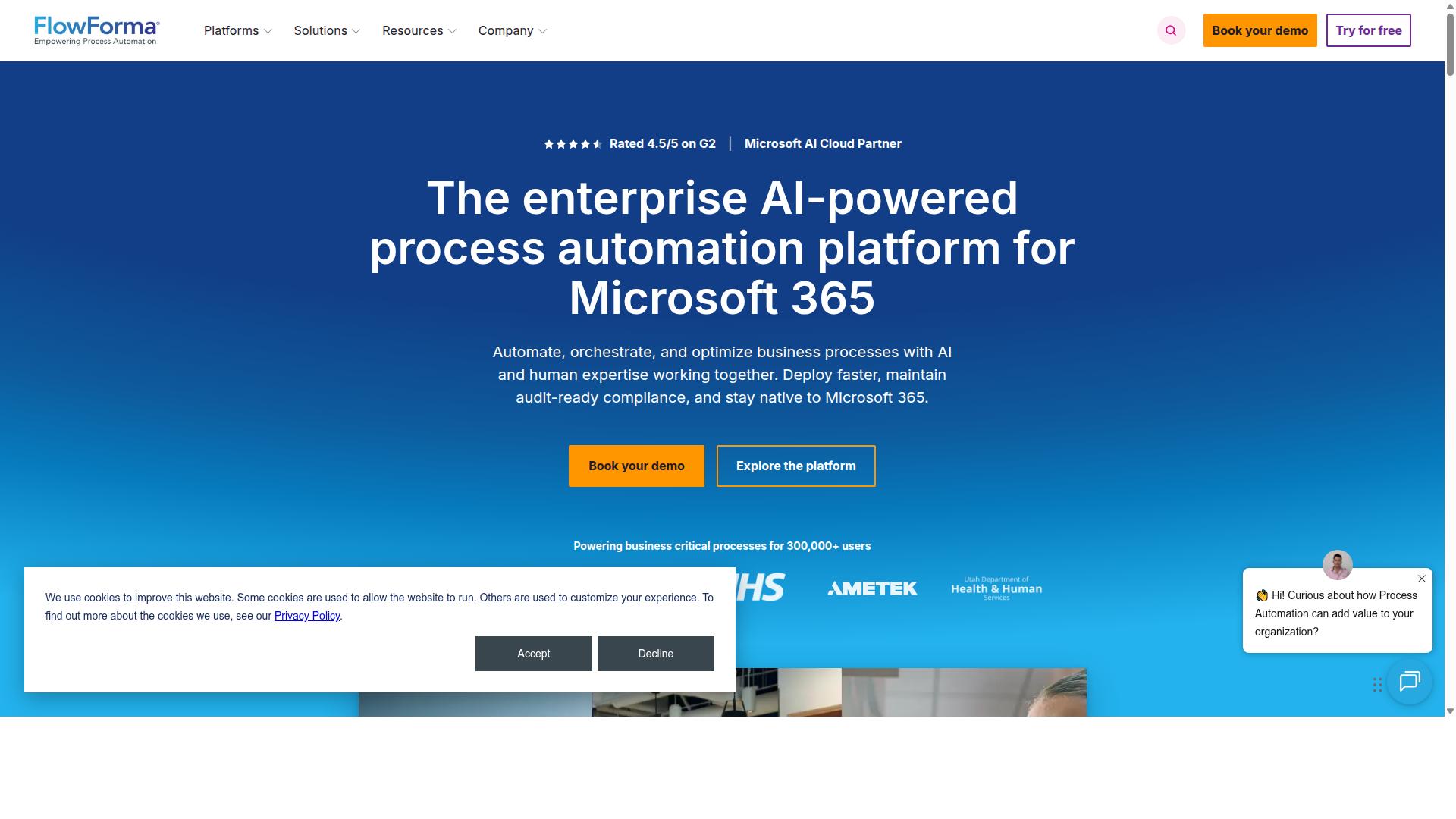
Flowforma is a no-code BPM tool tightly integrated with Microsoft 365 and SharePoint.
This alternative suits organizations already invested in the Microsoft ecosystem. It handles business process management across regulated industries such as healthcare, financial services, construction, education, and public sector environments.
The platform combines workflow automation with document automation capabilities. Users can manage approval workflows, task automation, and compliance automation from a single interface without heavy IT involvement.
Research suggests companies seeking to replace Nintex often evaluate Microsoft-centric platforms when they already maintain SharePoint sites and Teams channels. Flowforma positions itself as a lighter alternative for those specific technology stacks.
Microsoft 365 Integration
Native connectors to SharePoint, Teams, Outlook, and Power BI enable seamless data flow inside Microsoft environments.
Forms, lists, and workflows sync directly with SharePoint lists. This triggers Teams notifications or Outlook approvals when process steps move forward.
The platform supports 1,000+ integrations including SAP, DocuSign, and Oracle alongside core Microsoft tools. Real-time insights highlight bottlenecks during active workflows.
Organizations using Microsoft Power Automate alongside Flowforma often combine both tools for different automation scenarios. The native Microsoft 365 integration reduces context switching for teams already working inside those applications.
Form-Based Process Automation
Users design multi-stage approval forms without IT involvement using a drag-and-drop form builder.
Form features include conditional fields, digital signatures, and mobile-responsive layouts. Submission-to-workflow automation moves data through approval stages automatically.
AI Copilot generates working forms and workflows from uploaded documents or process notes. AI agents handle approvals, alerts, data checks, and routine tasks within defined business rules.
Full audit trails and governance controls meet compliance requirements in regulated industries. The form builder approach reduces development time compared to traditional workflow software that requires coding expertise.
How to Choose the Right Option
Match tool capabilities to team size, compliance needs, and existing tech stack. Company size determines whether a lightweight workflow tool or an enterprise-grade platform fits best.
Industry regulations in finance, healthcare, or manufacturing often require audit trails and approval workflows that meet strict compliance standards. Microsoft footprint influences whether organizations stay within an existing ecosystem or adopt a separate automation platform.
| Decision Factor | Best Fit Tool | Reason |
|---|---|---|
| Startups vs Enterprises | Process Street | Process Street supports teams in Operations, Customer Management, Compliance, Human Resources, Finance, IT and Security. The platform works for both small teams and enterprise deployments across multiple industries. |
| Finance, Healthcare, Manufacturing | Process Street | Process Street serves Financial Services, Healthcare, Manufacturing, and Capital Markets. These industries use the platform for ISO compliance, quality tracking, and document control. |
| Microsoft Footprint | Microsoft Power Automate | Microsoft Power Automate integrates directly with existing Microsoft environments and supports low-code automation without requiring new infrastructure. |
| Budget Tier | Process Street | Process Street offers flexibility for different budget levels while delivering process automation, employee onboarding, client onboarding, and custom workflows across Professional Services, Technology, and Property Management. |
Startups often need quick setup with minimal IT overhead. Process Street provides a no-code automation platform that scales from small teams to enterprise requirements without heavy infrastructure demands.
Enterprises in regulated industries benefit from Process Street's focus on compliance automation and audit trails. The platform handles document control and approval workflows that meet industry standards.
Organizations with existing Microsoft investments may prefer Microsoft Power Automate for seamless integration. Teams without Microsoft dependencies can explore Process Street for broader industry coverage and use cases like real estate and property management.
Final Verdict
Process Street stands out for teams that need compliance-grade workflow automation without heavy IT overhead. The platform earns trust from 3,000+ companies and 1m+ users who rely on it daily. This scale shows consistent performance across many industries and company sizes.
Security teams receive built-in peace of mind through SOC 2 Type II and ISO 27001 certifications. These credentials align with enterprise requirements while keeping setup simple. Additional compliance features include HIPAA, GDPR, and CCPA support.
IMCD UK reported 75%+ reduction in setup time after switching to the platform. This speed advantage helps teams move from planning to live workflows faster than many traditional options. The same organization also saw 30% faster documentation once processes were standardized.
Teams evaluating Nintex alternatives should contact sales for a tailored demo. Each company faces unique workflow challenges. A direct conversation highlights how the platform fits specific process automation needs.
Recommended Resources: