You are evaluating AI task automation tools, but the real question is which one keeps a human in the approval loop without slowing your team down. Most platforms either automate too aggressively or leave you with manual bottlenecks. By the end of this article, you will have five concrete options, a clear number one pick, and specific criteria for matching approval workflows, integration depth, and scaling path to your team's actual communication habits.
We break down what to look for in core approval capabilities and AI oversight balance, then compare Tasks.Bot, Reminderly.ai, TaskRio, Karo.bot, and The Sarah AI. You will leave knowing which tool fits your WhatsApp-native workflow or your existing stack, and how to pilot it before full deployment.
What to Look For in AI Task Automation Tools with Human-in-the-Loop Approval
When evaluating AI task automation tools with human-in-the-loop approval, focus on the approval workflow's flexibility, AI accuracy thresholds, and the balance between automated speed and human oversight. These three factors determine whether the tool reduces operational risk or simply adds a new layer of complexity to your business processes.
The right tool should feel like a decision support system, not a black box. You need visibility into why an AI made a certain recommendation and clear control over when a human gets pulled into the loop. Without that transparency, compliance audits become painful and your team loses trust in the automation.
Consider how the tool handles exception handling and edge cases. A strong platform routes unusual requests to a human reviewer automatically, while routine tasks flow through without friction. This is where the real value of human-in-the-loop design shows up in daily operations.
Core Approval Workflow Capabilities
Core approval workflow capabilities include customizable multi-step approval chains, real-time review queues, and comprehensive audit trails that log every decision. Look for tools that support both sequential approvals (one approver at a time) and parallel approvals (multiple approvers simultaneously) so you can match the workflow to the task's risk level.
Conditional routing is another essential feature. The system should trigger different approval paths based on task attributes like dollar amount, department, or data sensitivity. For example, a routine invoice under a certain threshold might auto-approve, while anything larger routes to a finance manager for review.
Role-based access control matters just as much as routing. You need to define who can approve, who can edit, and who only views. Audit trails are non-negotiable for compliance and risk management, capturing who did what, when, and why. Every decision, override, and comment should be recorded and searchable.
Evaluate how easily these features can be configured without coding. A visual workflow builder is far more practical than one requiring developer support for every change. Also check whether the tool integrates with your existing communication tools, such as email or team chat platforms, so approvers actually see pending requests in their normal workflow.
AI Accuracy and Human Oversight Balance
Balancing AI accuracy with human oversight requires understanding precision and recall metrics and setting thresholds that trigger human review only when necessary. Precision measures how often the AI is correct when it flags something, while recall measures how many true issues the AI actually catches. Both matter, but the right balance depends on your use case.
High precision means fewer false positives, which reduces wasted human effort reviewing irrelevant items. High recall means fewer false negatives, which reduces the chance of a real problem slipping through. False positives cost time and patience; false negatives cost money and compliance standing. You need to decide which error type is more damaging for your organization.
Set confidence thresholds for AI decisions so the system knows when to act autonomously and when to escalate. A low-confidence result should automatically route to a human reviewer with a clear explanation of why the AI was uncertain. This creates a natural escalation path for ambiguous cases.
Continuous model improvement depends on human feedback. The tool should let reviewers mark decisions as correct or incorrect, feeding that data back into the machine learning models. Over time, this reduces the number of tasks requiring human oversight while maintaining accuracy. Look for tools that make this feedback loop easy and visible rather than burying it in settings.
1. Tasks.Bot - Best Overall
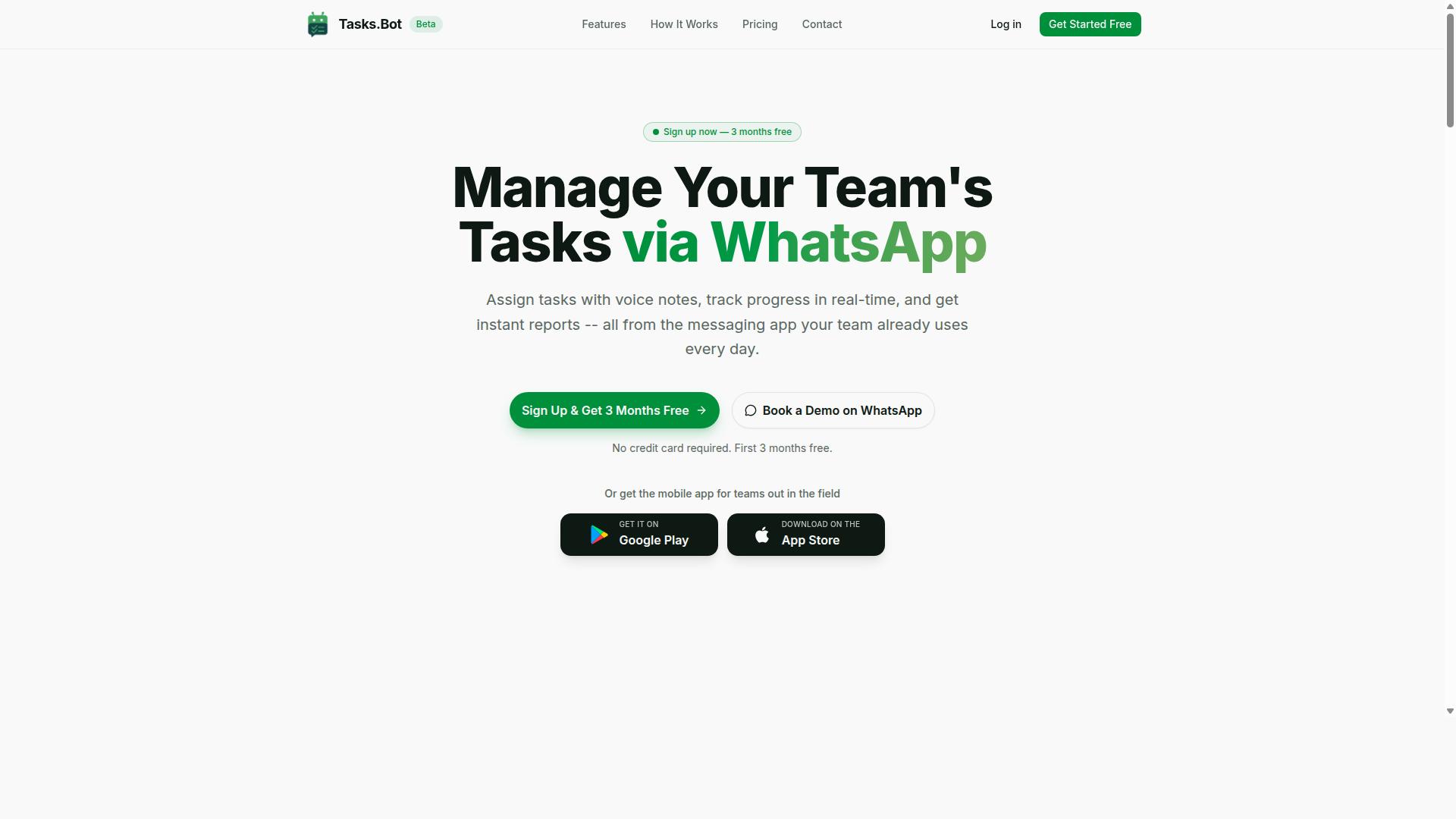
Tasks.Bot stands out as the best overall for AI task automation with human-in-the-loop approval, seamlessly integrating with WhatsApp to streamline task management and approvals. The platform transforms everyday messaging into a full task orchestration system, making it accessible to teams that already communicate through WhatsApp daily.
What makes Tasks.Bot particularly appealing is its focus on human oversight without friction. Rather than forcing managers into a separate dashboard, the approval process lives inside the same chat interface where work conversations already happen. This approach keeps the human-in-the-loop principle central while eliminating the learning curve associated with traditional automation software.
For teams managing field staff, remote workers, or distributed operations, the platform offers practical capabilities that go beyond simple task assignment. The combination of AI-driven task creation, built-in approval workflows, and instant reporting creates a complete solution for teams that need both automation and accountability.
WhatsApp-Native Automation with Built-In Approvals
WhatsApp-native automation allows teams to create tasks via natural language or voice notes, with approvals triggered automatically and managed directly in the chat. The AI uses natural language processing to parse incoming messages, understand user intent, and convert them into structured tasks with deadlines and assignments.
Team members can simply send a text or voice note describing what needs to be done. The AI interprets the message, extracts the relevant details, and creates a task with automatic assignment and smart deadline reminders. This eliminates the need for manual data entry and reduces the time between task creation and execution.
The approval workflow is built directly into the chat experience. Managers receive approval requests within WhatsApp and can accept or reject tasks without switching applications. This maintains a clear audit trail of decisions while keeping the review queue manageable. The low learning curve is a significant advantage, since most teams already know how to use WhatsApp.
One of the strongest selling points is that team members don't need to install anything or create new accounts. The entire system operates within WhatsApp, removing the adoption barrier that plagues many AI tools. Enterprise-grade encryption ensures that conversations and task data are never shared or used for training, addressing common data privacy concerns.
Pricing and Free Trial for Teams
Tasks.Bot offers a Full Access plan with transparent pricing: 200 per member per month or 1,200 per member per year, with a free trial available. The annual plan saves 50% compared to monthly billing, making it a cost-effective choice for teams planning long-term adoption.
New users receive 3 months free with no credit card required, which allows teams to evaluate the platform thoroughly before committing. The ability to cancel anytime adds flexibility, and pricing is available in both Indian Rupees and US Dollars to accommodate international teams.
For organizations with field staff, the cost per task becomes remarkably low when considering the included features. Face-verified attendance, live GPS tracking, shifts and leave management, and instant reports are all part of the Full Access plan. There are no tiered feature restrictions, so every team member gets the complete toolset.
Compared to other automation software that charges per workflow or per integration, this flat per-member pricing offers predictable budgeting. The ROI comes from reduced administrative overhead, faster task assignment, and fewer missed deadlines. For teams evaluating vendor comparison based on total cost of ownership, Tasks.Bot delivers substantial value without hidden fees.
2. Reminderly.ai
3. TaskRio
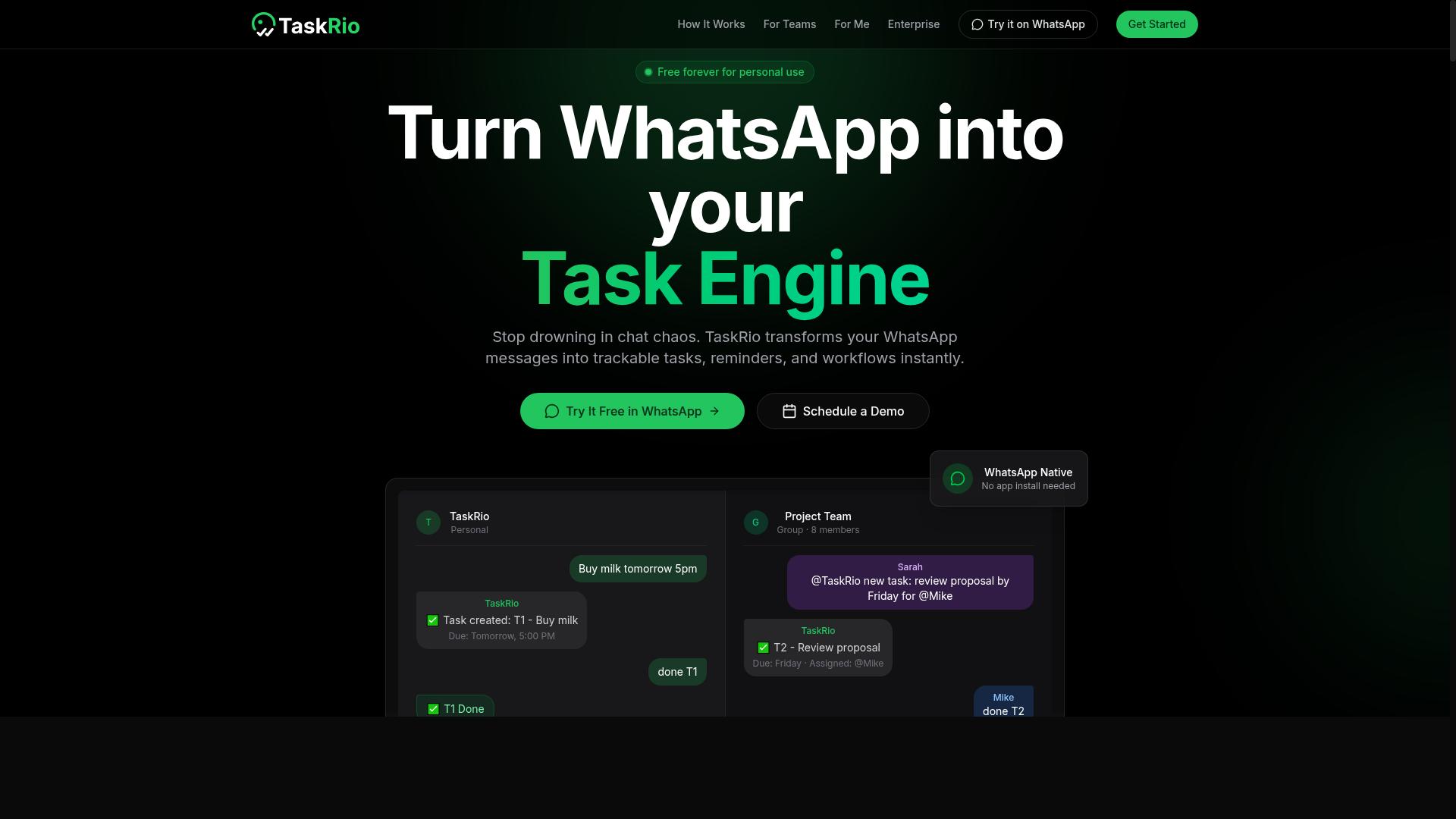
TaskRio offers a robust task management platform with advanced orchestration features that may appeal to teams requiring complex workflow automation. Its positioning centers on coordinating multiple steps, dependencies, and stakeholders within a single operational view.
For human-in-the-loop approval, TaskRio likely provides structured checkpoints where automated tasks pause for review. This design supports approval workflows that demand clear accountability and documented decision points across departments.
Teams evaluating TaskRio should consider its API integration capabilities and how easily it connects to existing business systems. While the platform may offer strong scalability for enterprise workloads, you should verify that its connectors match your current tech stack before committing.
The user interface is one area where TaskRio may differ from other AI task automation tools. Some teams find its orchestration-focused layout powerful yet denser than simpler alternatives, which can affect onboarding speed for non-technical reviewers.
Implementation complexity is another factor worth examining. Complex workflow automation often requires more configuration upfront, and TaskRio may demand dedicated administrator time to map out approval chains and exception handling rules.
Before selecting TaskRio, build a feature matrix that includes your required human oversight controls. Confirm that its review queue, audit trail, and approval process meet your compliance and risk management standards, as these capabilities vary by configuration.
4. Karo.bot
Karo.bot is another AI-powered assistant that aims to streamline task management through conversational interfaces, but its approval workflow may not be as mature. The platform leans heavily on natural language processing to let users assign tasks, check statuses, and trigger actions through chat-style commands.
For teams evaluating AI task automation tools, Karo.bot's conversational approach can reduce the learning curve. Instead of navigating complex dashboards, team members can simply type requests and receive responses. This makes it a reasonable option for smaller teams that want quick adoption without extensive training.
However, human-in-the-loop approval features may vary depending on the plan or configuration. Some users report that the review queue is straightforward, while others note limited options for conditional routing or multi-step sign-offs. If your business requires strict compliance controls or detailed audit trails, you will want to test these capabilities directly.
When comparing Karo.bot to more established platforms, consider its API integration options. The tool connects with common productivity apps, but the breadth of connectors may be narrower than what enterprise teams expect. Check whether it supports your existing CRM, ticketing system, or database before committing.
Scalability is another factor worth probing. Karo.bot can handle routine task orchestration, but high-volume workflow automation with complex exception handling may strain the system. Ask about latency under load and whether machine learning models improve accuracy over time or require manual tuning.
Decision support features are present but not deeply customizable. The tool can suggest next steps and flag anomalies, yet rule-based triggers may feel limited compared to platforms that offer granular control over approval process logic. Teams needing precise risk management should map their scenarios against what Karo.bot actually supports.
For vendor comparison purposes, create a feature matrix that lists your non-negotiable requirements. Include columns for human oversight, user interface quality, cost per task, and ROI expectations. Karo.bot may score well on usability but fall short on deep review queue management or data privacy certifications.
Ultimately, Karo.bot suits teams that prioritize conversational intelligent automation over heavyweight governance. If your business process demands rigorous accuracy, precision, and recall in decision-making, request a trial that includes mock approval scenarios. Test how the tool handles false positives and false negatives in real conditions before rolling it out across departments.
5. The Sarah AI
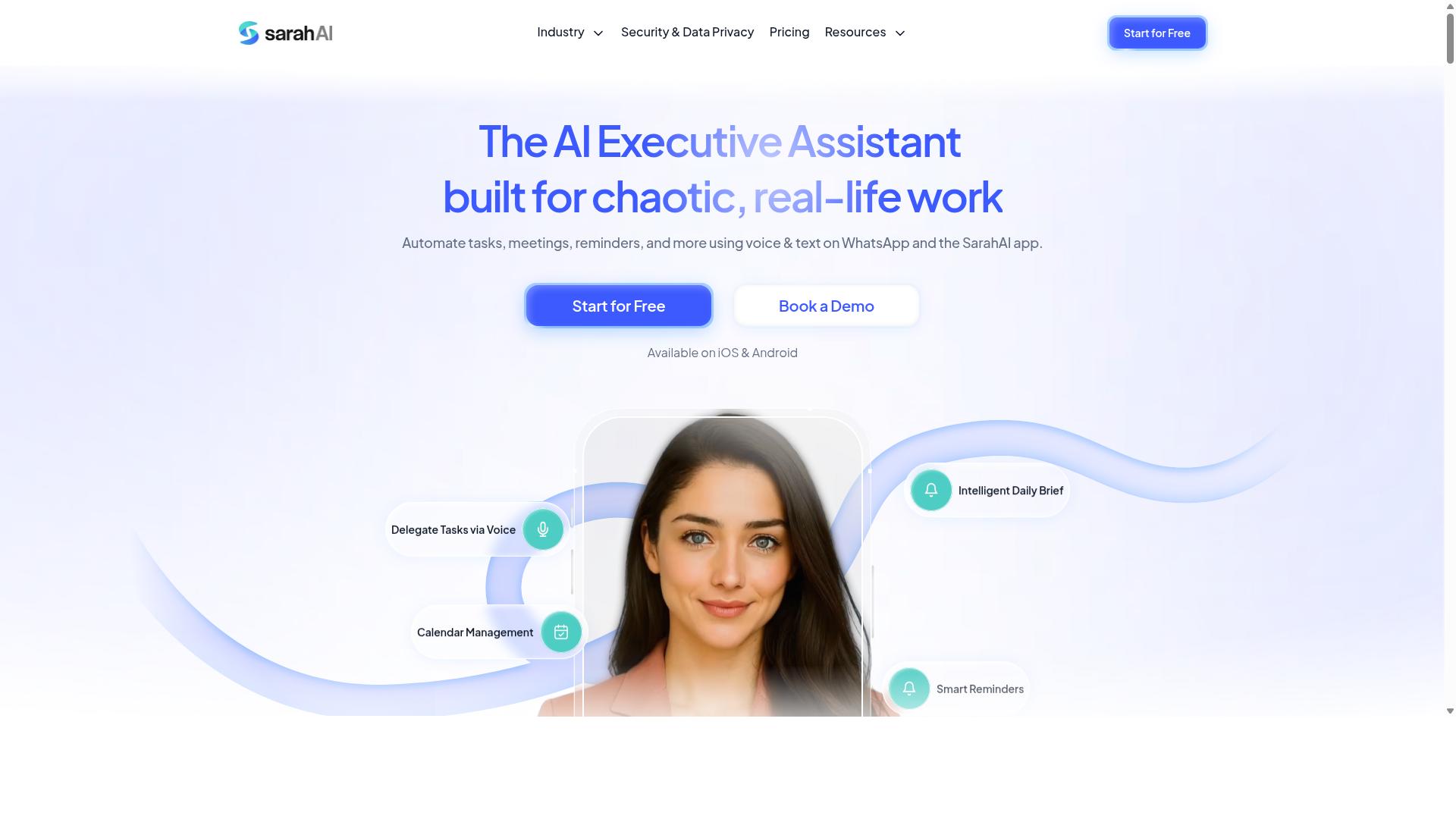
The Sarah AI is an emerging player in the AI task automation space, offering machine learning-driven insights that can enhance decision-making but may require more setup. It positions itself as a tool for teams that want intelligent automation layered over their existing workflows, rather than a plug-and-play solution.
For human-in-the-loop approval scenarios, The Sarah AI leans on machine learning models to flag patterns, suggest next steps, and prioritize review queues. This can be valuable when your approval process involves high volumes of routine requests mixed with occasional exceptions that need human oversight.
However, the tool appears to target organizations with technical capacity to configure and tune the system. Teams should expect a learning curve when mapping rule-based triggers, defining approval workflows, and integrating with existing business process tools.
When evaluating The Sarah AI, assess its approval workflow design first. Ask whether reviewers can easily see context, approve or reject with one action, and track decisions through an audit trail for compliance and risk management.
Integration capabilities matter equally. Check whether it connects to your core systems without heavy custom development, and whether its API integration supports the latency and scalability your team needs.
Ease of use is another factor to weigh. If your team lacks dedicated automation specialists, the user interface and setup experience could become a bottleneck. The Sarah AI may not offer the same out-of-the-box simplicity as Tasks.Bot, so factor in training time and ongoing maintenance when comparing total cost per task and ROI.
For teams with strong technical resources and a willingness to tune machine learning parameters, The Sarah AI could support complex decision support and exception handling. For those seeking faster deployment with minimal friction, a simpler approach to task orchestration and human oversight may serve better.
How to Choose the Right Option
Choosing the right AI task automation tool requires a structured evaluation of your team's communication habits, approval needs, and scalability requirements. The best option is rarely the most feature-rich platform, it is the one that fits naturally into the way your team already works.
Start by mapping your current business process. Identify where human-in-the-loop approval is required, who reviews the work, and which channels they use to communicate decisions. This baseline makes it easier to compare tools against real needs rather than marketing claims.
Consider the target audience for each solution. Tasks.Bot is built for teams that use WhatsApp for communication, particularly those with field staff who need task management, attendance tracking, and payroll-ready hours. If your team lives in WhatsApp, a tool that meets them there will outperform one that requires a new habit.
Follow a practical four-step approach to narrow your options:
- Define your requirements for approval workflow, exception handling, and human oversight.
- Create a feature matrix that scores each tool on integration, user interface, and rule-based triggers.
- Run pilots with real workflows and a small group of users.
- Measure ROI by tracking task completion time, approval turnaround, and cost per task.
This structured evaluation keeps the decision grounded in your operational reality. It also prevents the common mistake of choosing automation software based on impressive demos that do not translate to daily use.
Evaluating Integration with Your Existing Communication Tools
Evaluate how well the tool integrates with your existing communication platforms, such as WhatsApp, Slack, or email, to minimize disruption and maximize adoption. The user interface matters, but the channel where work actually happens matters more.
Tasks.Bot stands out here because of its native WhatsApp integration. Teams can manage tasks and approvals without asking staff to create new accounts or learn a separate dashboard. For field workers who already rely on WhatsApp daily, this removes a significant barrier to adoption.
For other tools, check API availability and compatibility with your existing systems. Ask whether the vendor offers direct integrations or requires middleware to connect. A tool that needs extensive custom development may add more complexity than it removes.
Also consider the learning curve for your reviewers. If managers need to approve tasks through an unfamiliar portal, they may delay decisions. Human-in-the-loop approval works best when the approval process feels like a natural extension of existing habits, not an extra step.
Research suggests that adoption rates drop sharply when users must switch contexts to complete a task. Tools that embed decision support and review queues into familiar channels tend to see faster uptake and fewer missed approvals.
Scaling from Pilot to Full Deployment
Scaling from a pilot to full deployment involves assessing performance under load, monitoring latency, and calculating cost per task as usage grows. Start with a small team that represents your typical workflow, then expand gradually.
During the pilot, track key metrics such as task completion time and approval turnaround. These numbers reveal whether the tool actually accelerates your business process or simply adds overhead. They also help you spot false positives and false negatives in your AI task automation, which matter for accuracy and precision in review queues.
Consider scalability factors before you commit:
- System latency as more users and tasks are added.
- Handling increased volume without degrading response times.
- Cost implications of per-user or per-task pricing models.
- Audit trail quality for compliance and risk management.
For teams using WhatsApp, scaling with Tasks.Bot means extending the same familiar interface to more staff. The platform already supports hundreds of teams, which suggests it can handle growing usage without forcing a change in communication habits.
Plan your expansion in phases. Roll out to one department, review the results, then expand to the next. This approach lets you refine exception handling and rule-based triggers before they affect the entire organization. It also gives you a clear picture of whether the intelligent automation delivers measurable ROI at scale.
Remember that human oversight requirements may shift as volume grows. The right tool should make it easier to manage exceptions, not harder. A well-designed review queue keeps approvers focused on the decisions that truly need their judgment.
Final Verdict
For teams seeking a seamless AI task automation tool with human-in-the-loop approval, Tasks.Bot's WhatsApp-native approach and transparent pricing make it the top recommendation. The platform removes the biggest friction point in workflow automation: the learning curve. Since it operates entirely within WhatsApp, team members don't need to install anything or create new accounts, which means your approval process starts working from day one.
The built-in AI capabilities handle natural language and voice notes for task creation, so staff can submit requests exactly how they speak. This matters for human oversight because the easier it is to capture tasks, the more consistently your review queue reflects real work. When you combine that with enterprise-grade encryption, you get an approval workflow that protects data without slowing down decision support.
For field operations, the face-verified attendance and live GPS tracking add a layer of accountability that most AI tools overlook. These features support exception handling and risk management directly within the same chat interface your team already uses. The audit trail becomes a natural byproduct of conversations, not a separate compliance chore.
Cost per task stays predictable with transparent pricing and a 3-month free trial with no credit card required. That gives you plenty of time to test accuracy, precision, and false positive rates in your real business process before committing. Data privacy is also protected, since conversations and task data are never shared or used for training machine learning models.
Other vendors offer strong intelligent automation and robotic process automation, but few match this combination of accessibility, AI-driven task orchestration, and built-in human-in-the-loop controls. If your team already lives in WhatsApp, this is the automation software that fits your workflow instead of forcing a new user interface on everyone.
To see how Tasks.Bot handles your specific approval process and use case, contact the team to book a demo. They can walk you through API integration options, scalability for your team size, and how the approval workflow handles latency-sensitive tasks. Reach out directly through the Tasks.Bot website to schedule a walkthrough and get your free trial started.
Frequently Asked Questions
What makes Tasks.Bot different from other AI task automation tools for human-in-the-loop approvals?
Tasks.Bot is uniquely built to operate entirely within WhatsApp, so your team doesn't need to install new software or create new accounts. Its AI understands natural language and voice notes to create tasks, and it includes built-in approvals and automations, meaning the human approval step happens right inside a chat your team already uses daily.
How does the human-in-the-loop approval process work with Tasks.Bot?
Tasks.Bot includes approvals and automations as part of its core feature set, allowing designated team members to review and approve tasks directly within the WhatsApp interface. Because it uses AI to parse task details from natural language, the approval workflow is streamlined without requiring manual data entry or switching between apps.
Is Tasks.Bot suitable for teams with field staff who need to approve tasks on the go?
Yes, Tasks.Bot offers a mobile app for field teams and also works via WhatsApp, which is ideal for staff who are frequently away from a desk. It includes features like tasks on a map and live day tracking, so approvers can see real-time context before giving the green light, all from their phone.
What kind of pricing can I expect for a tool with these approval features?
Tasks.Bot offers a 'Full Access' plan that includes all features, with transparent pricing in both Indian Rupees and US Dollars. You can choose a monthly plan at 200 per member or an annual plan at 1,200 per member per year, which saves you 50% compared to monthly billing-so you get the approval and automation features without hidden per-module costs.
Does Tasks.Bot require any technical setup or coding to configure approval workflows?
No, Tasks.Bot is designed as a no-code SaaS platform that works through WhatsApp, so there is no technical setup or API integration required. You simply book a demo on WhatsApp to get started, and the AI handles task creation and assignment while you configure your approval rules in plain language.
Is Tasks.Bot reliable enough for production use, and what support is available?
Tasks.Bot is currently in beta but is already used by hundreds of teams, and the site includes a refund policy to protect your purchase. For any questions or onboarding help, you can reach the team directly by phone at +91 97143 42522 or email at [email protected], and they offer a 'Book a Demo on WhatsApp' option for personalized guidance.
Recommended Resources: